From Headphones to Reference Studio: The Concept Behind HEADPHONE LAB

Lesezeit 6 min

FROM HEADPHONES TO REFERENCE STUDIO: THE CONCEPT BEHIND HEADPHONE LAB

Precise Mixing and Mastering – Even Without an Acoustically Optimized Room? No Problem!

You don’t have a perfectly treated room? No expensive studio? No problem! With our new HEADPHONE LAB, you can take your DT studio headphones to the next level. This free DAW plug‑in brings the sound of an acoustically optimized reference studio directly to your ears – including the characteristics of high‑end studio monitors. We focus on a single reference environment to give you reliable mix decisions.

In this article, we explain how it works and everything you need to know about the software and its features.

INHALTSVERZEICHNIS

What is HEADPHONE LAB?

Does this sound familiar? You’re working on a mix – but the room you’re in ruins your plans.

Imagine sitting in your bedroom, a rented apartment, or even a hotel room on tour. Listening loud isn’t an option – neighbors, limited volume, or simply budget constraints get in the way. So you switch to headphones. They avoid room acoustics, but bring their own challenges: The sound is “in your head,” the stereo image often feels exaggerated, and spatial depth or precise signal placement is hard to judge.

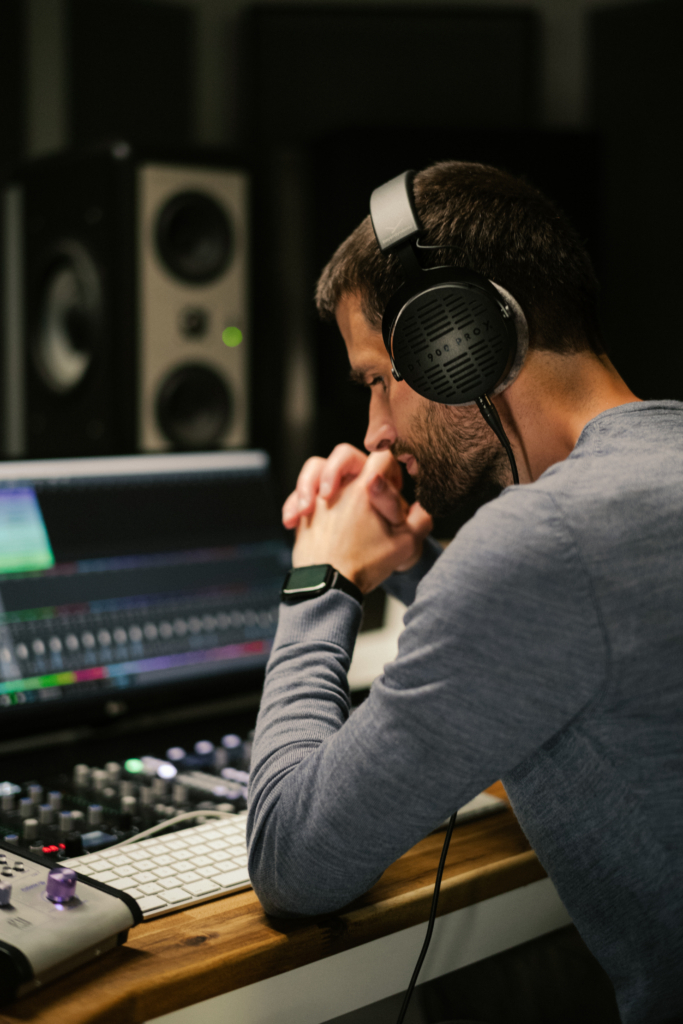
Or maybe this scenario rings a bell? You do have speakers in your home studio – but the room is not acoustically optimized. Missing absorbers, early reflections, and strong room resonances distort the sound. Frequencies feel unreliable, the stereo field unbalanced, and mix decisions feel more like guessing than confident choices.

In both cases, reliable monitoring is nearly impossible – and this is exactly where HEADPHONE LAB comes in. The free plug‑in transforms your beyerdynamic PRO headphones into a trustworthy tool for mixing and mastering. It simulates the sound characteristics of a high‑quality recording studio including its loudspeaker system – without expensive room treatment or major investments.

You get a professional virtual studio environment at reference quality – directly through your beyerdynamic studio headphones.

How did the idea for HEADPHONE LAB come about?

Product Manager Ante explains that the developments in modern music and content production were the key trigger:

“The way music and content are produced today has fundamentally changed: More and more creators work in home studios or entirely room‑independent environments. HEADPHONE LAB was created as a direct response to this shift – as a logical extension of our headphone portfolio.


What excited us most was the holistic approach: Instead of addressing only select products, we developed a system optimized specifically for the demands of mixing and mastering, and usable across our entire headphone range.

Software interface with head circumference measurement

Modern productions contain far more information than in the past. This raises new expectations for creators – and for headphones – when it comes to reliable sound evaluation. Our goal was to translate the beyerdynamic quality that has long been a hardware reference into the digital age. Modern music production is nearly impossible without software, plug‑ins, and digital workflows – so providing this level of quality there became essential.


We believe we’ve created a cohesive hardware‑software system that solves real mixing and mastering challenges, and helps users make informed decisions regardless of their room situation.”

How does HEADPHONE LAB work?

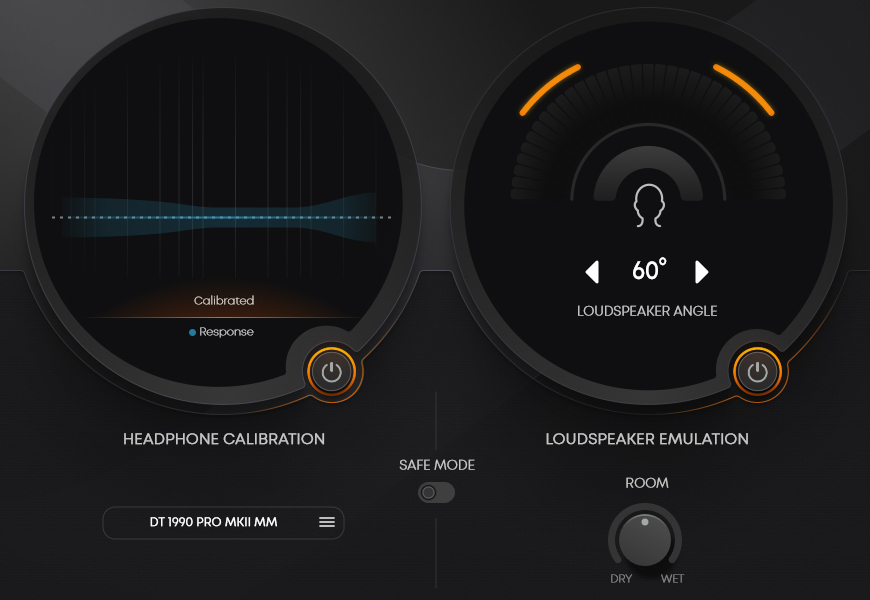
HEADPHONE LAB is a specially developed software upgrade for selected beyerdynamic studio headphones. It optimizes the sound of your PRO model for reliable mixing and mastering decisions—without neutralizing its characteristic sound. Instead, it transforms it into a consistent, mix‑ready studio reference balance.

The foundation is a scientifically developed studio sound profile, based on years of research, measurements, and collaboration with professional studios.

beyerdynamic HEADPHONE LAB
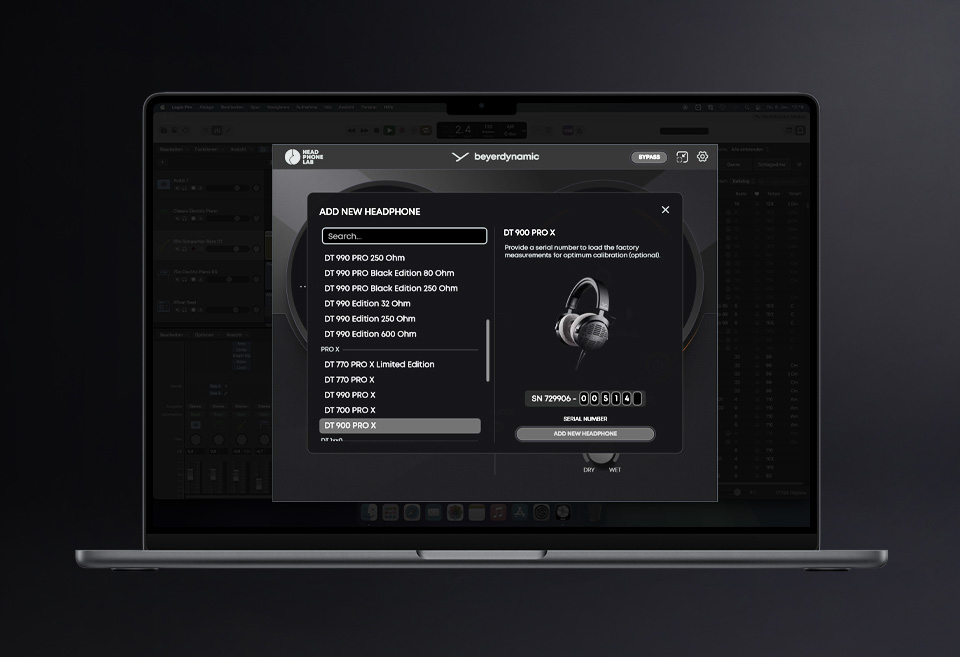
FACTORY CALIBRATION using the example of the DT 900 PRO X

The following studio headphones support the FACTORY CALIBRATION of beyerdynamic HEADPHONE LAB:

What doeas this mean to you?

You can mix late at night on headphones and trust that your decisions will translate to speakers, in the car, or in the club. Less checking, more confidence.

Want to learn more about the software? Here you’ll find all relevant information and can start using HEADPHONE LAB for free right away!

How can headphones sound like real studio monitors?

Listening on speakers means each ear hears parts of both channels – shaped by reflections and interaural time (ITD) and level differences (ILD).
Headphones, however, deliver fully isolated left/right signals with a hard stereo separation. The result: an “in‑your‑head” sound with exaggerated width, unstable phantom center, and difficult depth perception.

HEADPHONE LAB compensates for this using a precise crossfeed model that incorporates:

  • frequency‑dependent time and level differences
  • industry‑leading HRTFs (Head‑Related Transfer Functions)
  • an innovative approach to delivering excellent bass without artifacts or phase issues
“During the development of the speaker emulation, we collaborated closely with mixing and mastering engineers. Achieving a natural speaker‑like sound with minimal artifacts was crucial to us. The results were confirmed in user tests and provided valuable insights for future releases.”

Jonas, Acoustic Engineer

In simple terms:

HEADPHONE LAB makes your headphones feel like you’re listening to high‑quality studio monitors – with natural stereo imaging, a clear center, and reliable depth perception.

What does that mean for your daily workflow?

Imagine placing vocals in the panorama, deciding on reverb depth, or adjusting sub‑bass levels – with a stable, natural soundstage rather than a diffuse “in‑your‑head” image. Mix decisions feel secure, not random.

The Result:

A naturally centered, realistic soundstage with reliable stereo imaging, depth, and panorama judgment – ideal for mixing, mastering, placement, and critical listening.

Speaker vs. headphones – What Role Does HEADPHONE LAB Play?

Speaker: Without HEADPHONE LAB
  • Panorama often feels exaggerated or too narrow
  • Phantom center is unstable
  • Depth and reverb spaces are hard to assess
  • EQ and compression decisions translate poorly to speakers
beyerdynamic PRO headphones with HEADPHONE LAB
  • Natural stereo image, stable center
  • Space & depth become more tangible
  • Low‑end and transients behave mix‑appropriately
  • Mix decisions translate better to speakers, car, club PA, or in‑ears

Who Benefits From beyerdynamic HEADPHONE LAB?

  • Bedroom‑Producer:Reliable monitoring without an acoustically optimized room.
  • Travelers: Mix/edit on the train, in hotels, or on tour – without unpleasant surprises later.
  • Content creator & podcaster:Stable center (voice), better EQ and noise‑reduction decisions.
“In modern workflows, high‑quality headphones are often the better mixing monitors. With HEADPHONE LAB, we provide a mixing experience on headphones that matches working with high‑end studio monitors in an optimal room.”

Martin, Director PRO Audio

HEADPHONE LAB beyerdynamic
Podcast recording with the M 70 PRO X and DT 270 PRO
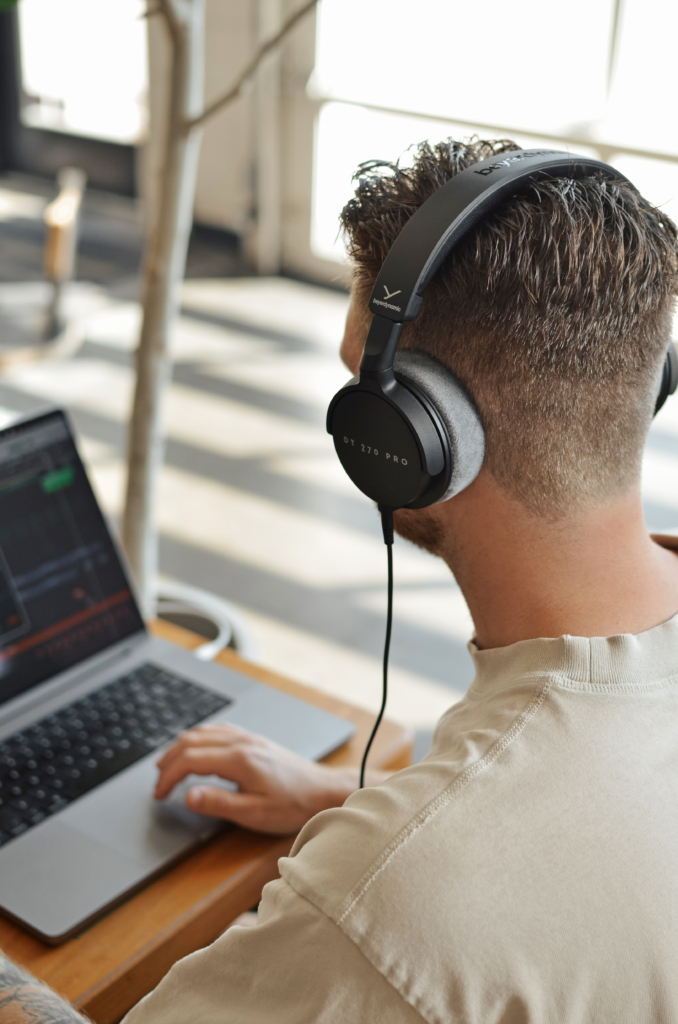
Mixing on the go with the DT 270 PRO

Which headphones are compatible with the software?

HEADPHONE LAB is compatible with the following models, with more to come through future updates. Model selection is done directly within the plug‑in.

Mix without Limits: Free, Simple, and Ready to Go

Using beyerdynamic HEADPHONE LAB involves no license fees and no subscription.
Just download, select your headphones, and start mixing.

  • Ready to use immediately: Install → Select headphones → Start mixing

  • Compatible with any DAW: Supports VST3, AU, and AAX on Windows and macOS

  • Accessible & intuitive: Streamlined workflow, clear UI, meaningful presets – no DSP engineering knowledge required

Have more questions?
Visit the HEADPHONE LAB landing page for all details and to get started for free. You’ll also find a comprehensive FAQ section.

Wie bewertest du diesen Artikel?

Rating: 5 / 5. Anzahl Bewertungen: 1

Did you find this article helpful?